 |
 |
 |
 |
 |
 |
 |
 |
 |
 |
||||
 |
 |
|||||
 |
 |
|||||
 |
 |
|||||
 |
 |
|||||
 |
 |
 |
 |
 |
 |
 |
|
|
|
|
|
|
|
|
|
|
||||
|
|
|||||
|
|
|||||
|
|
|||||
|
|
|||||
|
|
|
|
|
|
|
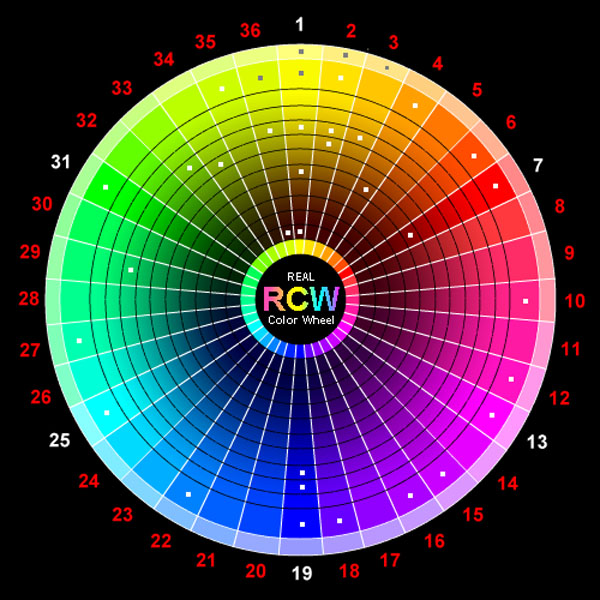
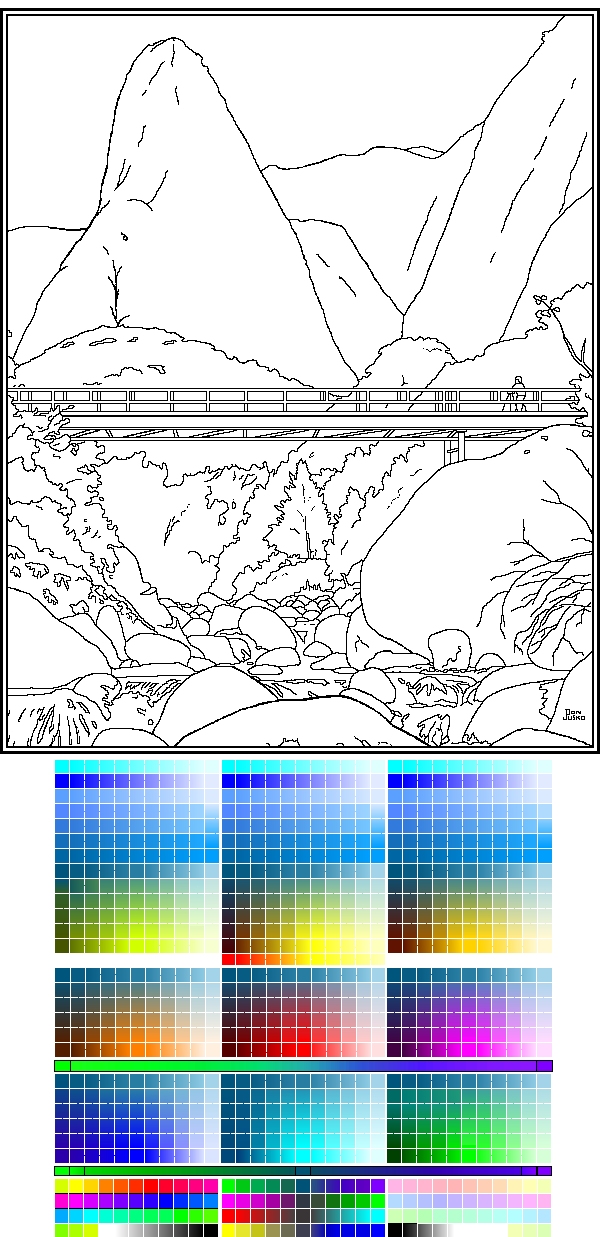
| Download this jpg drawing with this Real Color Wheel Aerial Perspective Chart attached to it. It's easy to see the color you want to fill with and that color matches a pigment or pigment combination. |
The Crystal Real Coloring Wheel - RCW.
See matching pigments to this Real Color Wheel for artists
Clickable RCW, Interactive Color Chart, Pigments with Prices 2010
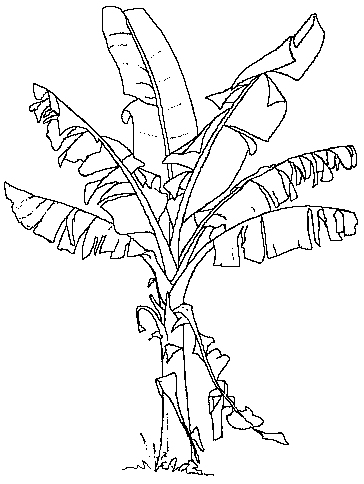
| Right click on this jpg image and save the image to your desktop. Open it in a paint program and re-save it loss-less as a bmp or tif to work on it.
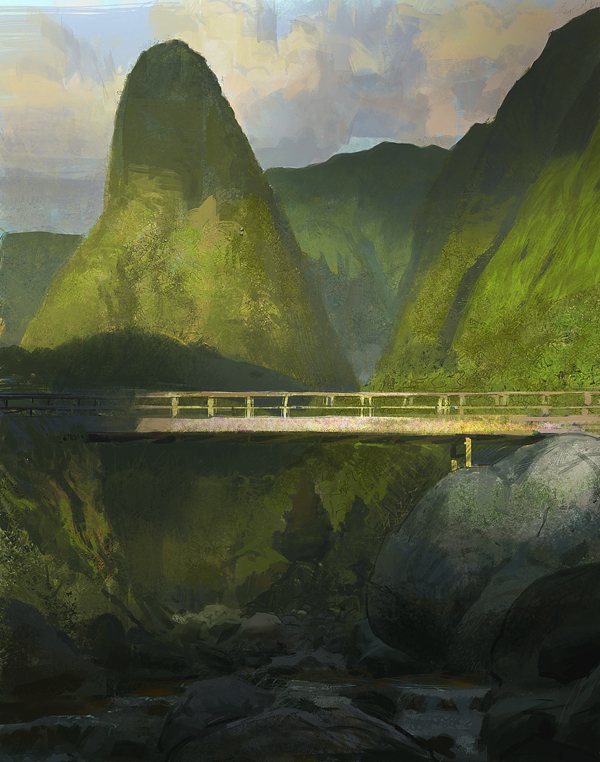
Fill in this image with correct aerial prospective colors. These computer generated colors you are viewing now in the Red, Green and Blue light color wheel will match those painted with the Yellow, Magenta and Cyan pigment color wheel. |
NEXT art6.htm Painting DVD's
PREVIOUS art5.htm=Computer Painting examples
|
|

